


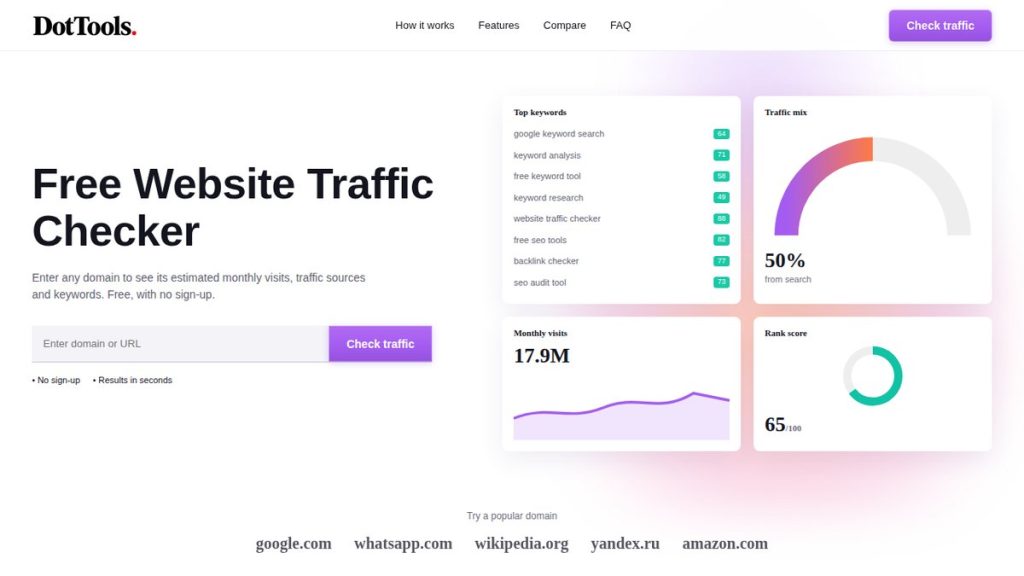
Any website’s traffic can be checked in under a minute, even if you do not own the site. Free traffic checker tools estimate how many visits a website receives each month, where those visitors come from, and which search terms bring them in. The numbers are estimates rather than exact counts, but they are close enough to compare websites, size up competitors, and judge whether a site is growing or shrinking.
This guide explains what the numbers mean, how to run a check, and how much to trust the result. You need no technical knowledge and no account. All you need is the website’s address.
What does “website traffic” actually mean?
Website traffic means the visits a website receives. The headline number most tools show is monthly visits: the total number of times people landed on the site in a month. A single person who visits five times counts as five visits, so visits are always higher than the number of individual visitors. Two related numbers usually appear next to it. Page views count the total pages loaded, and unique visitors count the distinct people behind the visits.
For comparing websites, monthly visits is the simplest number to use. A blog with 5,000 visits a month and a news site with 5 million are playing different games, and the visits number tells you that at a glance. The change from the previous month matters just as much as the number itself: a site growing 20 percent a month is a very different story from one shrinking by the same amount.
Can you check traffic for a website you don’t own?
Yes. You can estimate any public website’s traffic without owning it and without asking permission. The data comes from public signals: search rankings, click data, and browsing panels. What you cannot get is the site’s exact numbers. Only the site owner sees those, in Google Analytics. Everything a traffic checker shows for someone else’s site is a modelled estimate.
That is enough for most purposes. If you want to know whether a competitor gets roughly 10,000 or 100,000 visits a month, an estimate answers the question. If you need the exact figure for a business valuation, an advertising deal, or a legal matter, only the owner can give it to you, and no public tool will. Knowing this limit keeps you from over-reading the numbers.
How to check any website’s traffic in 30 seconds
Open a traffic checker, type in the domain name, and read the report. You can check any website’s traffic for free in about 30 seconds, with no account and no sign-up. Enter the domain as it appears in the address bar, for example example.com, and the tool returns the estimate along with the site’s traffic sources, top keywords, and visitor countries.
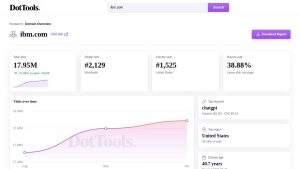
Try it on a website you know well first. If you run a blog or a business site, check your own domain and compare the estimate with your real numbers in Google Analytics. That one comparison teaches you more about how to read estimates than any explanation. Then check a competitor, a supplier, or a site you are thinking of advertising on. Each check takes seconds, so you can build a picture of a whole market in an afternoon.
What the numbers in a traffic report mean
A traffic report has five parts worth reading. Monthly visits and the change from the previous month tell you the site’s size and direction. Traffic sources show where visitors come from: direct visits from people typing the address or using a bookmark, search visits from Google and other search engines, social visits from platforms like Facebook and X, referrals from other websites, and email visits from newsletters.
Top keywords list the search terms that bring the site its visitors, which reveals what the site ranks for and what its audience searches for. Top regions show where the visitors are, by country. Engagement numbers complete the picture: bounce rate is the share of visitors who leave after one page, pages per visit shows how deep they go, and average visit duration shows how long they stay. A site with high traffic and a 90 percent bounce rate is attracting the wrong visitors; a site with modest traffic and long visits has found its audience.
How do traffic checkers estimate the numbers?
Traffic checkers build their estimates from several public signals. The main one is search data. For each keyword a site ranks for, the tool multiplies the keyword’s monthly searches by the share of clicks its ranking position typically receives, and adds those up across all the site’s keywords. Browsing panels and clickstream data, domain signals such as age and backlinks, and the site’s own traffic history adjust the result.
The model is refreshed monthly, so each report reflects the latest full month of data. No tool has access to the site’s own analytics, which is why every number is an estimate. Different tools use different models, so the same site can show different numbers in different checkers. That is normal. What matters is the order of magnitude and the trend, not the last digit.
How accurate are the estimates?
A 2024 study by Collaborator compared three leading checkers against real Google Search Console data for 184 websites. The average error was 48.6 percent for Ahrefs, 57.0 percent for Similarweb, and 61.6 percent for Semrush. That sounds large. It means a site reported at 100,000 visits a month might truly get anywhere from roughly 40,000 to 160,000.
Large, established sites are estimated more reliably than small or new ones, because far more public data exists about them. A site with little or no traffic may show zero visits, which usually means it is too small to measure, not that it has no visitors at all. The practical rule is simple: read a single month’s number as a range, and trust the trend over several months. If a site’s estimate doubles over six months, it is almost certainly growing, even if the exact numbers are off.
What to check before you trust a number
Four quick checks keep you honest. First, look at the month the data covers: it should be last month, not a year ago. Second, check whether the site is big enough to measure at all; very small sites produce noisy estimates. Third, look at the trend: a stable line is believable, while wild jumps usually mean the model changed rather than the traffic. Fourth, compare the same site in two different checkers. If both agree on the order of magnitude, the estimate is usable. If one says 10,000 and the other says 1 million, treat both with suspicion and look for a third source.
How often should you check a website’s traffic?
For a site you are watching, once a month is enough. Traffic models refresh monthly, so checking more often mostly shows you the same numbers. Monthly checks build a trend line, and the trend is the part worth trusting. Check weekly only during a launch or a campaign, when you are watching for a specific change.
For a one-off question, check once and move on. Comparing five competitors takes an afternoon, and repeating it every quarter keeps the picture current. The habit that pays is not checking often; it is checking the same sites, with the same tool, on a regular rhythm, so the numbers stay comparable over time.
When you need real numbers instead
If the website is yours, use Google Analytics for exact visitor numbers and Google Search Console for the searches that bring people to you. These tools measure your own site directly, so their numbers are real rather than estimated. Traffic checkers are for everyone else’s sites. Use both together: Analytics for your own performance, a checker for the competition and the market around you. That combination gives you the full picture: exactly how you are doing, and roughly how everyone else is doing.
Conclusion
Checking a website’s traffic takes less than a minute and tells you more about a site than almost anything else you can look up. Enter the domain, read the monthly visits and the trend, check where the traffic comes from, and treat the number as a range rather than gospel. Used that way, a free traffic check is one of the most useful habits in marketing, research, and plain curiosity.